
Service areas
Run every service area from one account
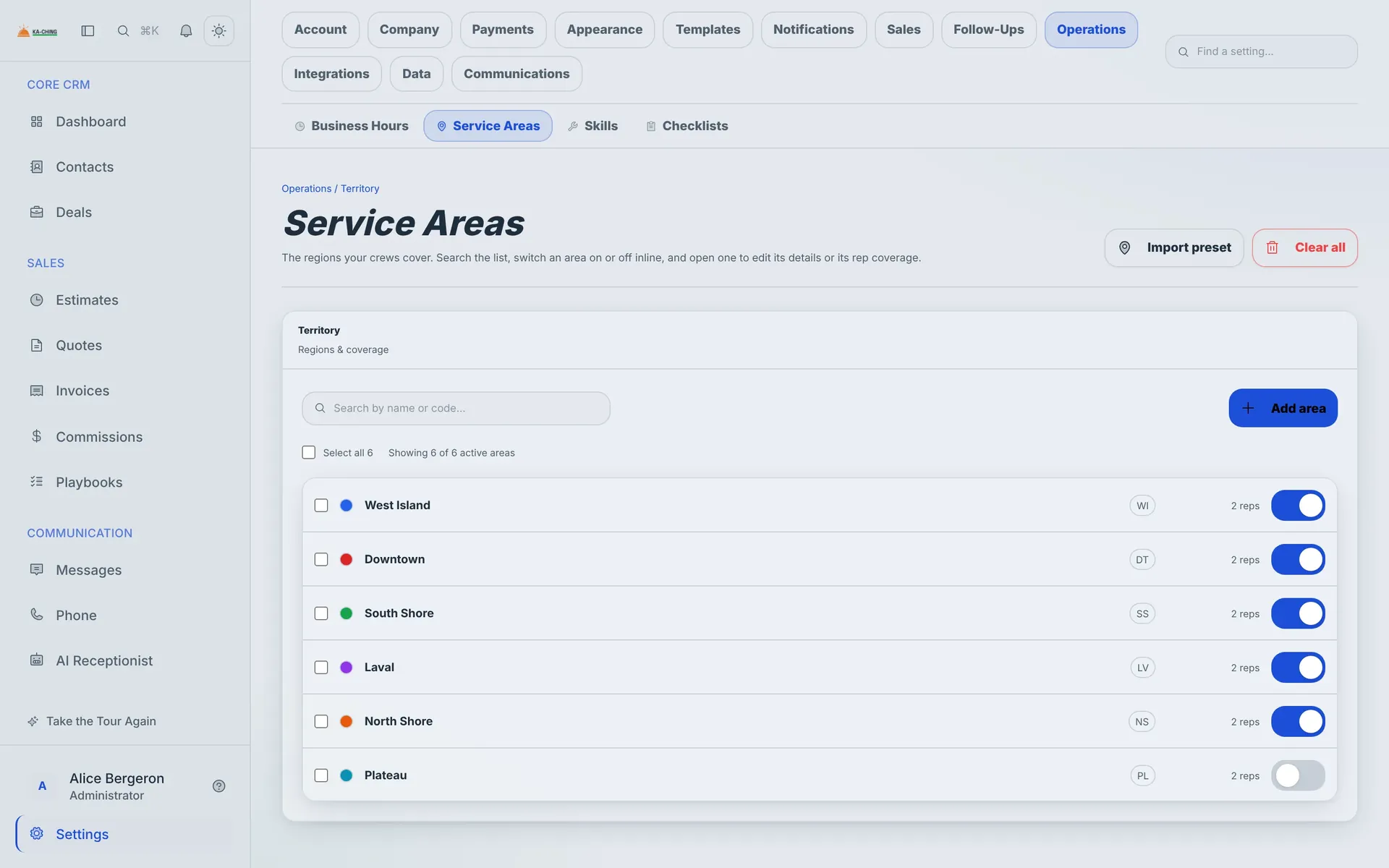
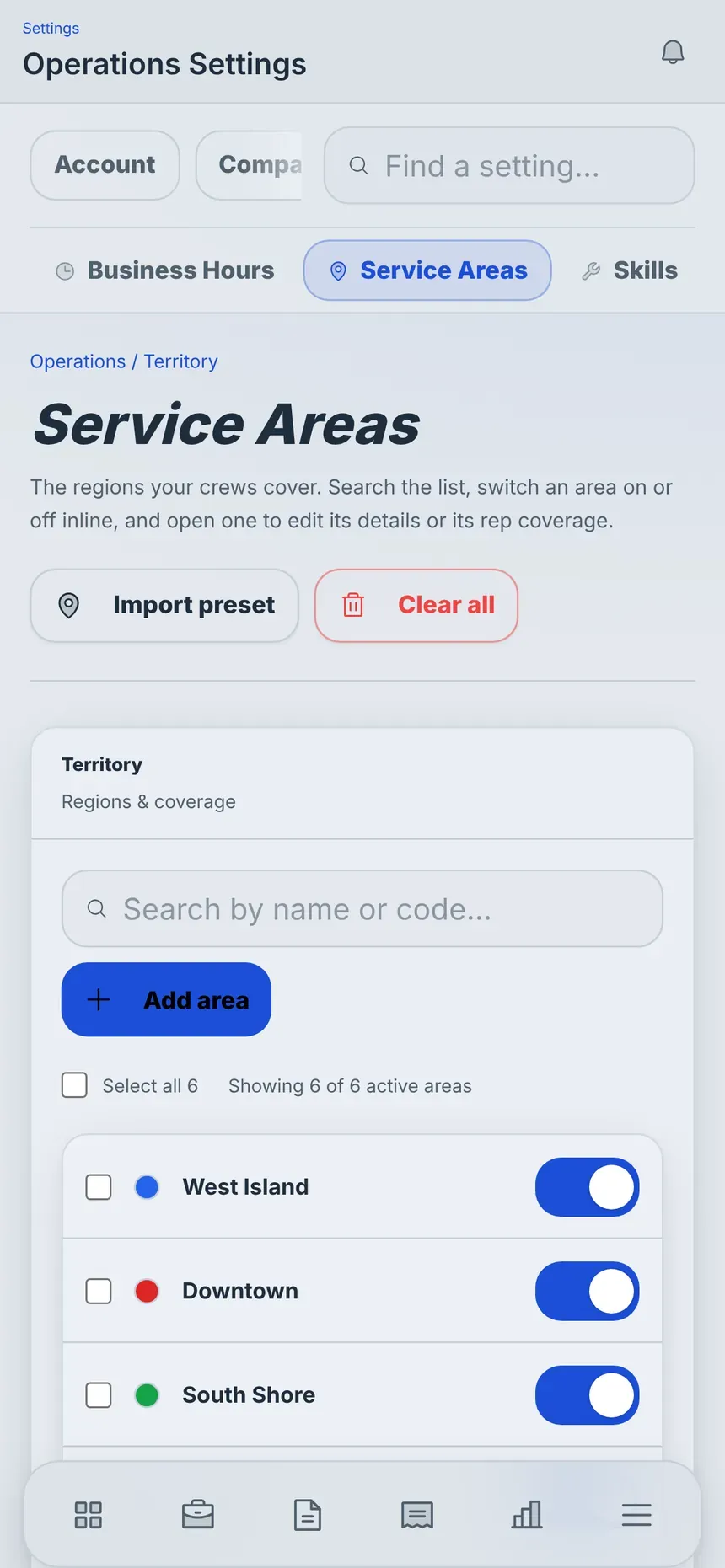
Set up your areas, assign who covers each one and filter your work by area.
How it works
From new area to booked visit
- 01
Add your areas
Create areas by hand or import a city preset with its municipalities.
- 02
Assign who covers them
Add sales reps and technicians to each area and mark one as primary.
- 03
Book with the right rep
Booking an estimate suggests the area from the address and the reps who cover it.
What you get
Service areas, in full
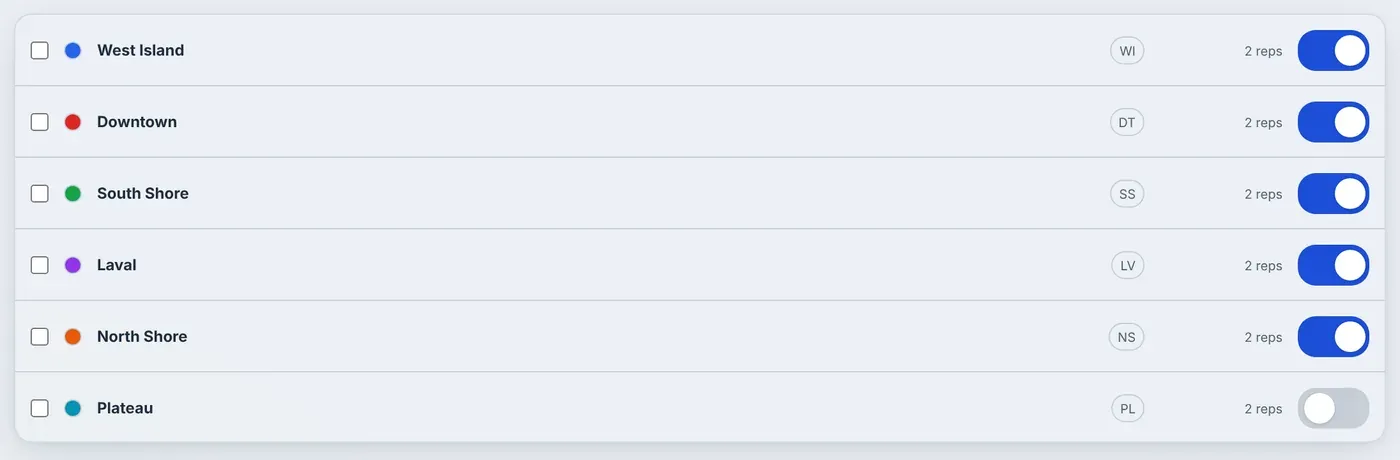
- Areas with a name, short code and colour
- City presets with municipalities
- Sales reps and technicians per area
- Area suggested from the address
- Filter jobs, deals, quotes and estimates by area
- Revenue by area in analytics
Works with
Tools that go with service areas
Run the jobTeamRoles, crews and skills in one place.See team Get paid and growAnalytics13 live dashboards.See analytics Run the jobField jobsCheck‑ins, photos and job costs on one card.See field jobs
Try it on your own jobs.Solo is free for one user, no credit card.
Start for free